

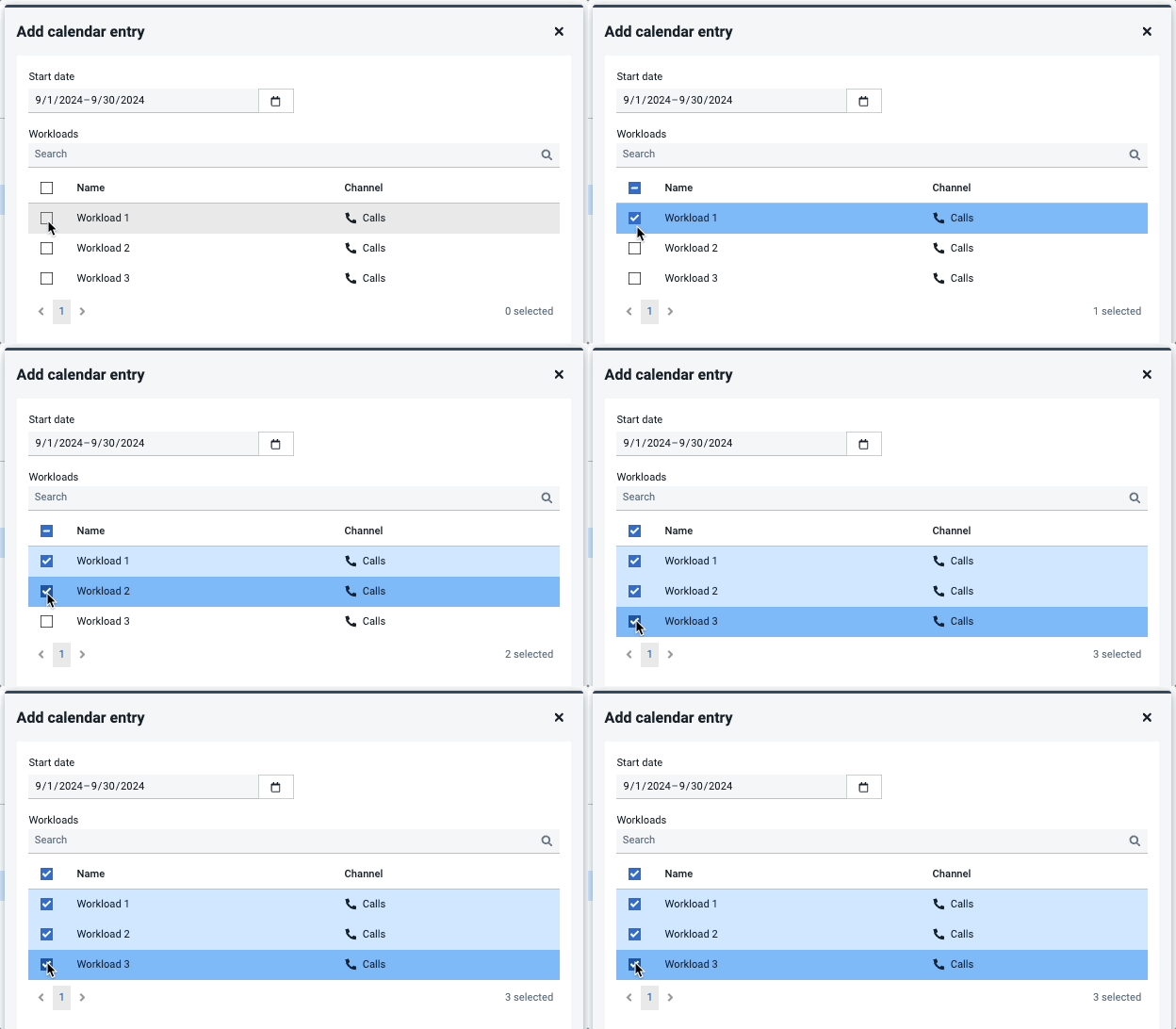
How to assign an event to multiple workloads:
- Log in and go to Forecast > Events in the top navigation.
- Select an event from the list. A right panel will appear showing the occurrences of the event.
- Click +Add, select a date range, and then check the boxes for the relevant workloads.
- Click Create to assign the event to all selected workloads.
Learn more about Events.